
How NotebookLM Can Support Research and Thinking for Designers and Knowledge Workers
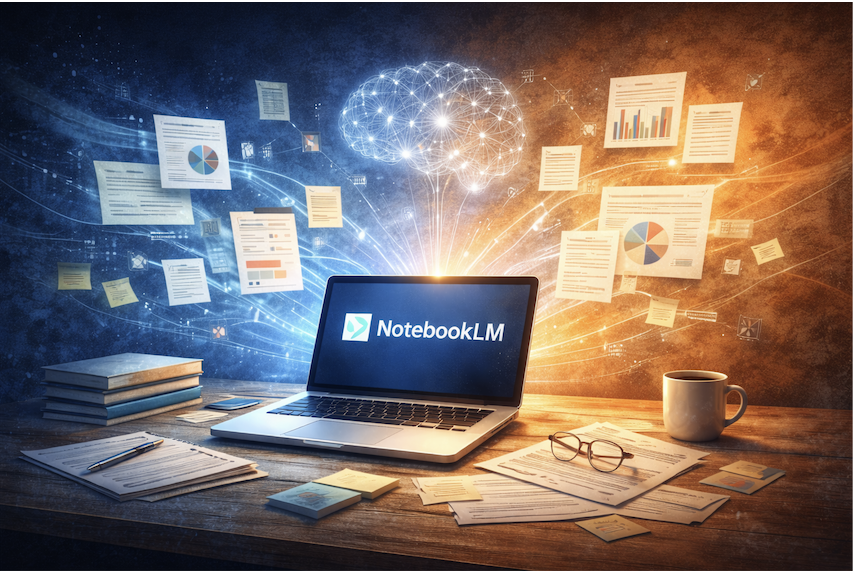
Working with large amounts of information has become part of everyday life for designers, researchers, writers, and professionals across many fields. Notes are scattered across documents, insights are buried in reports, and valuable ideas often get lost in the process of organizing everything.
NotebookLM is designed to address this challenge by acting as an intelligent workspace that helps users make sense of their own content. Rather than replacing human thinking, it supports deeper understanding by organizing, summarizing, and connecting information already in your hands.
What Is NotebookLM?
NotebookLM is an AI-powered notebook that works directly with user-provided documents. Instead of generating answers based on general internet knowledge, it focuses on the materials you upload — such as notes, reports, research files, or drafts.
This approach keeps the output grounded in your actual sources, making it especially useful when accuracy, context, and clarity are important.
How NotebookLM Differs from Traditional AI Tools
Most AI tools respond to prompts using broad training data. NotebookLM takes a different path by operating within the boundaries of your uploaded content.
Key differences include:
- Insights are generated from your documents, not generic data
- Responses stay closer to source material
- Information feels more structured and relevant
- The risk of unrelated or unsupported answers is reduced
This makes NotebookLM less about quick answers and more about thoughtful analysis.
Key Ways NotebookLM Supports Better Thinking
1. Turning Information into Understanding
When working with long documents or multiple files, NotebookLM can help highlight themes, summarize key points, and bring structure to complex material. This saves time and supports clearer thinking.
2. Making Research More Manageable
Instead of manually rereading documents, users can ask questions and receive context-based answers drawn from their own content. This is especially helpful during early research stages or when preparing summaries.
3. Supporting Different Learning Styles
NotebookLM can organize information into structured formats such as summaries, outlines, or tables. This flexibility allows users to engage with information in ways that suit their workflow.
Practical Use Cases
For Designers
NotebookLM can assist with:
- Reviewing user research notes
- Identifying recurring patterns and insights
- Organizing feedback from testing sessions
- Preparing design documentation
For Writers and Content Creators
It can help by:
- Summarizing background research
- Clarifying themes across drafts
- Structuring long-form content ideas
For Knowledge Workers
NotebookLM supports:
- Managing internal documentation
- Synthesizing reports and meeting notes
- Creating shared understanding within teams
Why Context Matters in AI-Assisted Work
One of the main advantages of NotebookLM is its focus on context. When AI tools work without clear boundaries, results can feel disconnected or misleading. By limiting responses to your own materials, NotebookLM encourages thoughtful interaction with information rather than surface-level output.
This makes it especially useful in fields where nuance and accuracy matter.
A Tool That Supports, Not Replaces, Human Judgment
NotebookLM does not make decisions or interpretations on its own. Instead, it acts as a support system that helps users see connections, clarify ideas, and reduce cognitive overload.
Human insight, creativity, and critical thinking remain essential — the tool simply helps clear the path.
Final Thoughts
NotebookLM represents a shift in how AI tools can assist with knowledge work. By focusing on user-provided content, it encourages deeper understanding rather than faster answers.
For anyone working with complex information, it offers a calmer, more structured way to think, learn, and create — without losing control over the process.